What Is a Bio Link? Everything Brands and Creators Should Know
Social media profiles give you limited space to share links with your followers. Most platforms only allow one clickable URL in your profile bio, which creates a challenge when you want to direct people to multiple destinations like your website, shop, blog posts, or latest content.
A bio link is a single customizable URL placed in your social media profile that opens a landing page containing multiple links to your various online destinations. This tool solves the one-link limitation by creating a hub where your audience can access everything you want to share. Instead of constantly changing the single link in your Instagram or TikTok bio, you maintain one permanent URL that leads to an organized collection of all your important links.

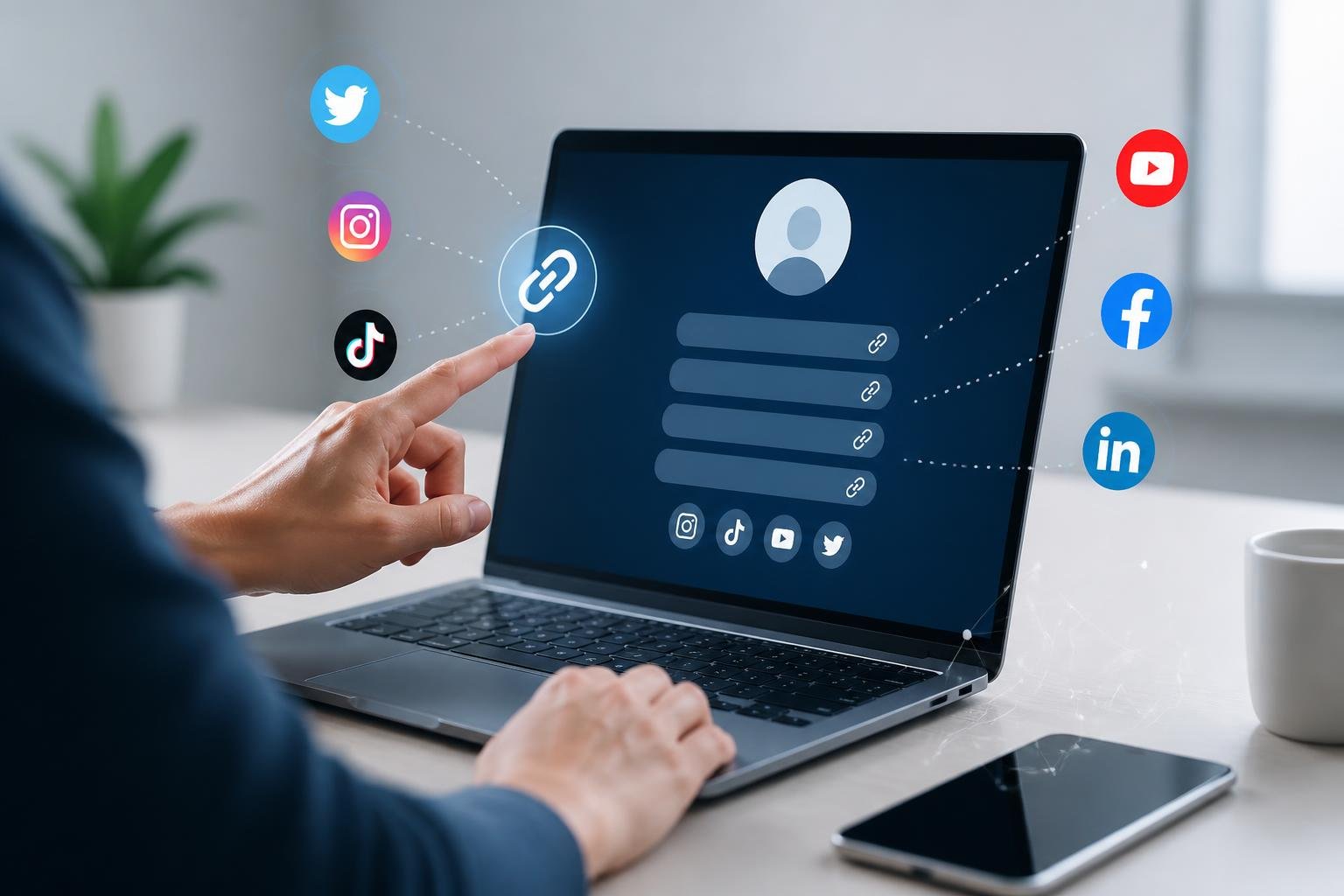
Key platforms with bio link restrictions:
- Instagram: Originally one link, now offers up to five bio links (not available to all accounts)
- TikTok: Single URL only
- Twitter/X: Single URL in profile
- Pinterest: Single URL option
How Bio Links Work on Social Media
Social media platforms restrict where you can place clickable URLs, creating a bottleneck for traffic. Bio links serve as the primary gateway between your social presence and external content like websites, products, or other platforms.
Single Link Limitation and Its Impact
Most social platforms limit you to one clickable URL in your profile. Instagram bio link sections traditionally allowed just a single URL, while TikTok bio link areas continue to enforce this restriction. This constraint emerged because platforms like Instagram don't allow clickable links in individual post captions.
The single bio link limitation forces you to make difficult choices about what to promote. When you launch a new product while also running a newsletter signup and maintaining an online store, only one destination gets priority. This restriction led to the common "link in bio" call-to-action that became widespread around 2016.
Bio link tools convert your single URL into a landing page that houses multiple destinations. Instead of pointing followers to one webpage, you direct them to a customizable page displaying all your important links simultaneously.
Transforming One Link Into a Hub
Bio link tools convert your single URL into a landing page that houses multiple destinations. Instead of pointing followers to one webpage, you direct them to a customizable page displaying all your important links simultaneously.
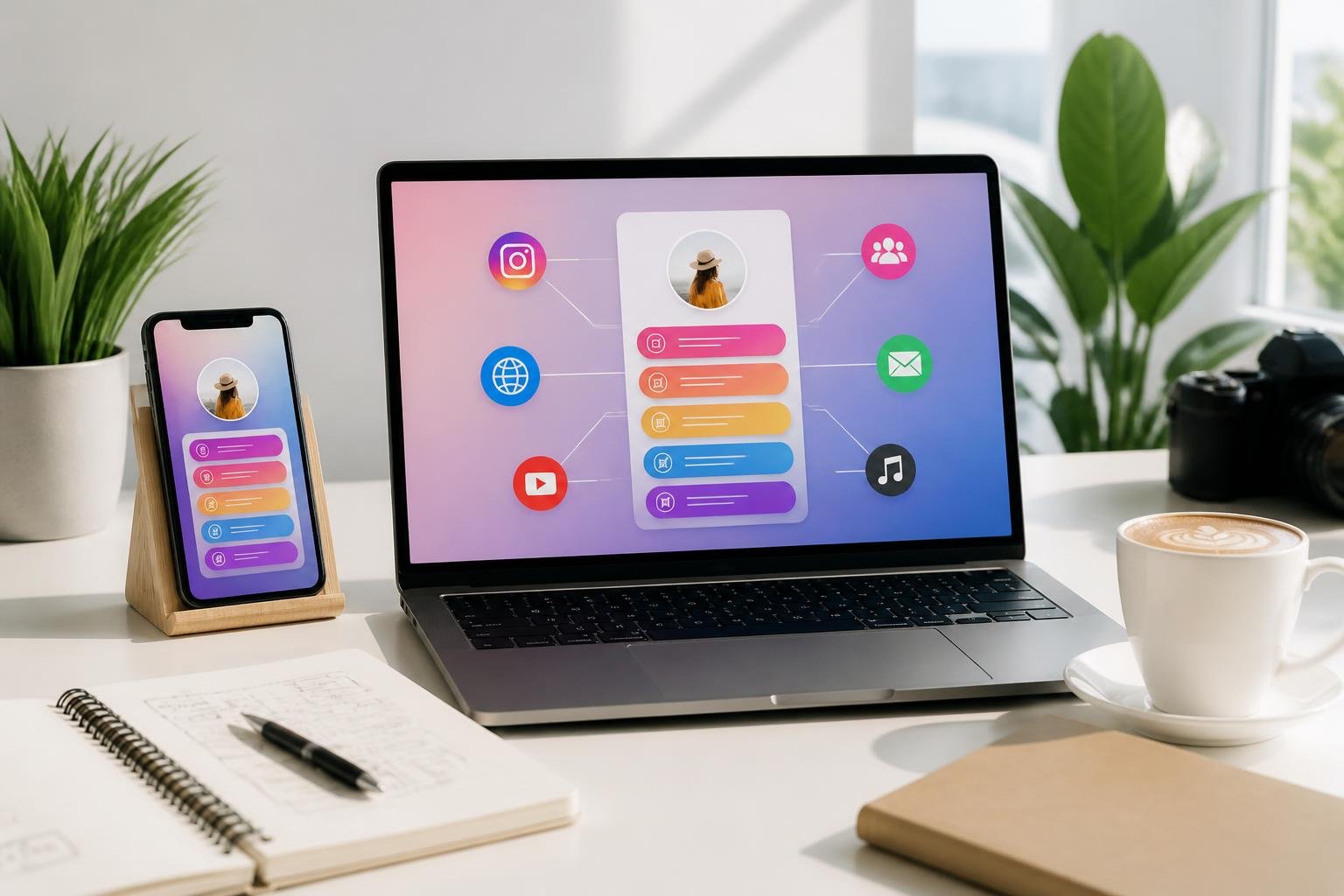
These hub pages function as mini websites. You can showcase your latest YouTube video, your product shop, your email list signup, and your other social profiles all from one clickable grid or list. When someone taps your Instagram link, they land on this aggregated page instead of a single destination.
The transformation happens through third-party services that provide you with a custom URL. You place this URL in your profile, and visitors see an organized collection of your content and offers. Popular formats include clickable grids that mirror your Instagram feed or simple button lists arranged by priority.
Popular Platforms Supporting Bio Links
Every major social network provides space for bio links, though implementation varies. Facebook and YouTube channel descriptions allow multiple URLs directly in your profile without third-party tools. Instagram expanded to five bio links as of 2023, though this feature isn't universally available across all account types.
Pinterest and Twitter maintain single-URL policies in their bio sections. TikTok restricts creators to one link, making it particularly important for accounts focused on driving traffic. The platform differences mean you need to adapt your strategy based on where your audience engages most.
Platform-specific behavior affects how you optimize links. Instagram users expect to tap bio links after viewing Stories or posts, while TikTok viewers often check your profile immediately after watching videos. Understanding these patterns helps you structure your bio link strategy for maximum effectiveness.

Bio Link Conversion Tools
Bio links transform limited profile space into powerful conversion tools that drive measurable results across your social channels. They consolidate multiple destinations into a single accessible hub that improves user experience while providing detailed performance insights.
Driving Social Traffic and Engagement
Bio links serve as your primary gateway for directing social traffic to specific destinations. When you share content on platforms like Instagram or TikTok, followers naturally look to your profile link for more information. This behavior creates consistent traffic flows that you can monitor and optimize.
Your bio link captures attention when posts and stories include clear calls-to-action directing users to check your profile. The clickable nature of bio links makes them ideal for tracking engagement metrics that reveal which content resonates with your audience. You gain visibility into click-through rates, popular links, and user behavior patterns.
The data from bio link analytics helps you understand what drives engagement. You can identify which promotions generate the most interest and adjust your strategy accordingly. This feedback loop strengthens your overall social presence by connecting content performance to actual traffic patterns.
Converting Followers Into Subscribers and Customers
Bio links excel at moving followers down the conversion funnel toward specific actions. You can direct traffic to product pages that showcase your offerings with tailored messaging that aligns with your social content. This targeted approach increases conversion rates compared to generic homepage links.
Email capture becomes streamlined when your bio link includes dedicated landing pages for building your email list. Followers who engage with your content are already warm leads, making them more likely to subscribe when presented with clear value propositions. You can offer exclusive content, early access, or special discounts to incentivize email subscribers.
Effective conversion strategies through bio links:
- Exclusive giveaway entries requiring email signup
- Referral program access with reward incentives
- Limited-time offers for new email subscribers
- Lead magnets like guides or templates
Enabling Multi-Destination Navigation
A single bio link can aggregate multiple destinations through link-in-bio tools, eliminating the constraint of one-URL limits. You present followers with organized options rather than forcing them to navigate through your entire website. This structure reduces friction and improves user experience.
Your bio link can simultaneously promote seasonal promotions, evergreen products, and cross-platform content. For example, you might feature your latest YouTube video, current product pages, and an ongoing giveaway all within one landing page. This flexibility lets you adapt quickly to new campaigns without abandoning existing priorities.
Multi-link functionality supports varied audience interests and browsing behaviors. Some followers want your newest content while others seek specific products or information. Providing 3-7 organized links accommodates different user intentions without overwhelming visitors with too many choices.
Bio Link Tools and Page Builders
Bio link tools create a single landing page that houses multiple links for your social media profiles. These platforms range from basic free options to feature-rich paid services with analytics, customization, and advanced functionality.
Choosing the Right Link-in-Bio Tool
Your choice depends on your specific needs and budget. Free plans typically include basic features like unlimited links and simple themes, while paid plans unlock custom domains, analytics, and white-label options.
Consider what you need most. If you run a business, look for tools with email capture, scheduling integrations, and detailed analytics. Content creators might prioritize visual customization and media embeds. Personal users often find free versions sufficient for sharing portfolio links and contact information.
Key factors to evaluate:
- Customization options - themes, colors, fonts, layouts
- Analytics capabilities - click tracking, visitor data, conversion metrics
- Domain support - ability to use your own custom domain
- Integration features - email tools, social scheduling, payment processors
- Branding control - white-label options to remove platform logos
Noteworthy Platforms and Features
Linktree remains the most recognized link-in-bio tool, offering straightforward setup and reliable performance. Beacons provides creator-focused features including email list building and media kits. LNK.bio delivers minimalist designs with quick deployment.
Modern bio link tools extend beyond simple link lists. Many now include AI assistants that engage visitors, answer questions, and guide navigation based on your content. Some platforms combine link management with social media scheduling, newsletter capabilities, and blog posting functions.
Advanced features worth considering include real-time analytics, QR code generation, post publishing, and unlimited site creation. Tools that support embeds let you showcase YouTube videos, Spotify playlists, or product catalogs directly on your bio page.
Customizing Your Bio Page
Your custom link-in-bio page should reflect your brand identity and goals. Start with a theme that matches your aesthetic, then adjust colors, fonts, and button styles to align with your visual identity.
Most platforms offer 15+ pre-designed themes that you can modify. You can add profile images, background graphics, and custom CSS for deeper personalization. Layout options let you choose between vertical lists, grid displays, or featured content sections.
Strategic customization improves engagement. Place your most important links at the top, use descriptive button text instead of generic labels, and add icons or images to make links visually distinct. Test different arrangements to see what drives the most clicks through your analytics dashboard.
Best Practices for Effective Bio Link Strategy

A successful bio link strategy requires ongoing optimization and strategic integration with your broader marketing efforts. Your bio link should work as a measurable traffic hub that connects with analytics tools, maintains fresh content aligned with current campaigns, and feeds directly into your email marketing and automation systems.
Optimizing for SEO and Analytics
Your bio link page needs proper SEO foundations to maximize organic discovery. Include relevant keywords in your page title, meta description, and heading tags that reflect your brand and content offerings. Each destination link should have descriptive anchor text rather than generic phrases like "click here."
Connect your bio link tool to Google Analytics or your platform's native analytics to track click-through rates, traffic sources, and user behavior. This data reveals which links generate the most engagement and conversions. Monitor metrics like bounce rate and time on page to understand if visitors find what they expect.
Set up UTM parameters for links pointing to blog posts or product pages. These tracking codes let you see exactly how much traffic your bio link generates in your main analytics dashboard. You can identify which social platforms drive the highest-quality visitors and adjust your content strategy accordingly.
Test different link arrangements and button styles through A/B testing. Small changes in positioning or wording can significantly impact click rates and help you optimize based on real user behavior rather than assumptions.
Keeping Content Updated and Prioritized
Your bio link should reflect your current marketing priorities and seasonal campaigns. Place your most important link at the top where it receives the highest visibility and click-through rates. This might be a new product launch, limited-time promotion, or your latest blog posts.
Update your bio link whenever you publish posts or launch new content. Stale links to outdated campaigns reduce trust and engagement. Set calendar reminders to review your bio link weekly or biweekly depending on your publishing frequency.
Remove underperforming links that don't serve your current goals. A streamlined page with 4-6 high-priority destinations converts better than a cluttered list of 15 options. Each link should have a clear purpose tied to measurable outcomes like sales, subscriptions, or content engagement.
Integrating With Email and Automations
Connect your bio link to email capture forms to build your subscriber list. Include a prominent call-to-action that offers value in exchange for email addresses, such as exclusive content, discounts, or resource downloads. This turns casual social media visitors into email subscribers you can nurture over time.
Integrate your bio link tool with platforms like ManyChat to trigger automated messaging sequences. When someone clicks specific links, you can automatically send them targeted follow-up messages or tag them based on their interests. This creates personalized user journeys that increase conversion rates.
Use your bio link to direct traffic to gated content that requires email signup. When visitors access your premium blog posts, guides, or tools through the bio link, they enter your email funnel where automated sequences can nurture them toward purchase decisions.
Sync your bio link data with your CRM or email marketing platform to segment audiences based on their link interactions. Subscribers who clicked product links show buying intent and should receive different email campaigns than those who only engaged with educational blog posts.
Real-World Examples and Creative Uses
Bio link pages serve as customizable landing pages that transform a single URL into a hub for multiple destinations. Different industries leverage these tools uniquely based on their goals, whether driving sales, building email lists, or showcasing portfolios.
Use Cases Across Different Industries
E-commerce businesses use bio link pages as digital storefronts, featuring product collections, seasonal promotions, and direct purchase links. You can organize items by category or highlight bestsellers to streamline the buying process.
Content creators and influencers structure their bio link pages to showcase recent YouTube videos, blog posts, podcast episodes, and affiliate partnerships. Musicians include streaming platform links, tour dates, and merchandise stores on a single landing page.
Service-based professionals like photographers, consultants, and coaches create bio link pages that display portfolios, booking calendars, and client testimonials. These pages function as mini-websites that capture leads without requiring visitors to navigate complex sites.
Podcasters compile episode links, guest appearances, sponsor offers, and listener surveys. Non-profits include donation buttons, volunteer signup forms, and impact stories to drive engagement and contributions.
Link in Bio Examples for Inspiration
Effective bio link examples share common characteristics: clear visual hierarchy, branded design elements, and strategic link placement. Your most important call-to-action should appear above the fold without requiring scrolling.
High-performing link in bio pages include:
- Limited link options (5-7 maximum) to prevent decision fatigue
- Compelling button text that specifies the value ("Get Free Guide" vs. "Click Here")
- Visual elements like profile photos, cover images, or product thumbnails
- Regular updates reflecting current campaigns or content
Small businesses often feature their latest blog content, email newsletter signup, and shop links. They rotate seasonal offerings and time-sensitive promotions to keep the landing page relevant and drive repeat visits from their audience.
Advanced Features and Future Trends
Bio link tools are evolving beyond simple link directories to include AI-powered personalization, offline integration capabilities, and multi-page architectures that transform how you connect with your audience.
AI Guidance and Personalization
AI-powered bio link platforms now analyze visitor behavior to deliver customized experiences based on location, device type, referral source, and browsing history. You can set up dynamic content that automatically adjusts which links appear to different audience segments without manual intervention.
These systems learn from engagement patterns to recommend optimal link placement and suggest which content to feature. Some platforms use AI to A/B test your bio page layouts automatically, shifting traffic toward higher-converting arrangements. You can also implement chatbot integrations directly into your landing page to guide visitors toward relevant destinations.
Personalization extends to visual elements too. Your bio link can display different color schemes, images, or calls-to-action based on whether someone visits from Instagram versus LinkedIn, ensuring brand consistency across platforms while maximizing relevance.
QR Codes and Offline Integrations
Modern bio link services generate QR codes that bridge physical and digital marketing channels. You can place these codes on business cards, product packaging, event materials, or storefront displays to drive offline audiences to your centralized bio page.
Dynamic QR codes let you update the destination without reprinting materials. This means your physical marketing assets remain current even as you change campaigns or featured content. Some platforms track QR code scans separately from social media clicks, giving you insights into which offline channels perform best.
You can create multiple QR codes pointing to the same bio link with different tracking parameters, allowing you to measure ROI from specific locations or events.
Expanding Beyond a Single Landing Page
White-label solutions and custom domain options let you transform your bio link into a branded mini-website. Instead of a single landing page, you can build multiple interconnected pages under your own domain name, removing platform branding entirely.
This architecture supports separate pages for different product lines, services, or content categories while maintaining centralized analytics. You can create a homepage-style bio page with navigation to deeper content, essentially building a lightweight website optimized for mobile traffic from social profiles.
Advanced platforms allow embedded forms, email capture, appointment scheduling, and e-commerce functionality across these multiple pages. Your bio link becomes a complete conversion funnel rather than just a link directory.
Frequently Asked Questions
Bio link tools raise common questions about functionality, benefits, customization, analytics, and security. These answers address the practical considerations for anyone setting up or optimizing their link landing page.
How does a single link page work on social media profiles?
A single link page acts as a central hub that you access through one URL placed in your social media bio. When someone clicks that URL, they land on a page displaying multiple links instead of going to just one destination.
You add the link to your profile's bio or website field on platforms like Instagram, TikTok, or LinkedIn. The link stays constant while you update the destination page with new content, products, or resources. This eliminates the need to constantly swap out your bio link every time you want to promote something different.
Social platforms restrict clickable links in posts and comments, making the bio link your primary gateway for directing followers to external content. The single URL becomes your command center for all digital destinations.
What are the main benefits of using a multi-link landing page for creators and businesses?
Multi-link landing pages solve the one-link limitation imposed by most social platforms. You can share your website, online store, latest content, booking calendar, and social profiles simultaneously instead of choosing just one.
This setup increases conversion opportunities because followers see all available options at once. A musician can direct fans to streaming platforms, merchandise, and tour dates from a single click. A business owner can showcase products, collect email signups, and display customer reviews on one page.
You also maintain consistency in your bio link while updating content behind it. Your audience always knows where to find your links, and you gain flexibility to add or remove destinations without changing your posted URL.
The consolidated approach provides cleaner tracking since all traffic flows through one measurable point. You can see which specific links drive the most engagement and adjust your strategy accordingly.
Which platforms and tools are commonly used to build a personal link landing page?
Linktree is the most widely used link-in-bio platform, with over 70 million users and 1.7 billion monthly profile views. It offers both free and paid plans with unlimited links and customization options.
Beacons, Campsite, and Shorby provide similar functionality with different design approaches and feature sets. Later (formerly Linkin.bio) caters specifically to Instagram users with visual grid layouts. Tap Bio offers Instagram-focused solutions with post-to-link connections.
Some social media management platforms like Later and Hootsuite include built-in link-in-bio tools. Creator platforms such as Stan Store and Koji combine link pages with monetization features for selling digital products.
Website builders like Carrd and Wix allow you to create custom landing pages that function as bio links. WordPress users can build their own solutions using themes or plugins designed for this purpose.
How can you customize a link landing page to match your brand and goals?
Most link-in-bio tools let you modify colors, fonts, backgrounds, and button styles to align with your visual identity. You can upload custom background images or use solid colors that match your brand palette.
Profile customization includes adding a profile picture, bio description, and social media icons. Some platforms integrate with Canva for advanced background design or offer pre-made themes you can apply with one click.
Link organization affects user experience and conversions. You can reorder links by dragging them, add section headers to group related content, and use icons or thumbnails to make links more visually distinct.
Advanced customization options include adding videos, embedding content, creating priority links that appear larger, and applying animations or transitions. Paid plans typically unlock more design flexibility and remove platform branding.
What analytics and tracking features should you look for in a link landing page tool?
Basic analytics should show total page views and individual link clicks so you know which destinations attract the most traffic. Time-based data reveals when your audience is most active and how engagement changes over days or weeks.
Traffic source tracking identifies whether visitors come from Instagram, TikTok, direct links, or other channels. This information helps you understand which platforms drive the most engagement and where to focus your efforts.
Click-through rates and conversion tracking measure how effectively your page turns visitors into actions. Some tools track deeper metrics like geography, device type, and referral paths.
Advanced platforms offer UTM parameter support for integration with Google Analytics, A/B testing for comparing different link arrangements, and export capabilities for detailed reporting. Real-time analytics let you monitor campaign performance as it happens.
Are link landing pages safe to use, and what security and privacy settings matter most?
Reputable link-in-bio platforms use HTTPS encryption to protect data transmitted between users and your page. This security standard prevents unauthorized access to information during transit.
Privacy settings should let you control data collection and visibility options. Some platforms allow you to hide your page from search engines, require passwords for access, or schedule links to appear and disappear automatically.
Verify that your chosen platform complies with privacy regulations like GDPR and CCPA. Check their data handling policies to understand what user information they collect and how they use it.
Be cautious about connecting third-party integrations that request access to your social media accounts or personal data. Only authorize trusted services and review permissions carefully. Link validation features help ensure you don't accidentally share broken or malicious links with your audience.